CreateUgc

AI ad workflow

Create UGC AI Ads From a Clear Product Brief

To create UGC AI ads, start with one product, one audience and one believable reason to care. Create Ugc helps you frame a creator-style concept before you test the script and visual direction.

Review every claim before publishing
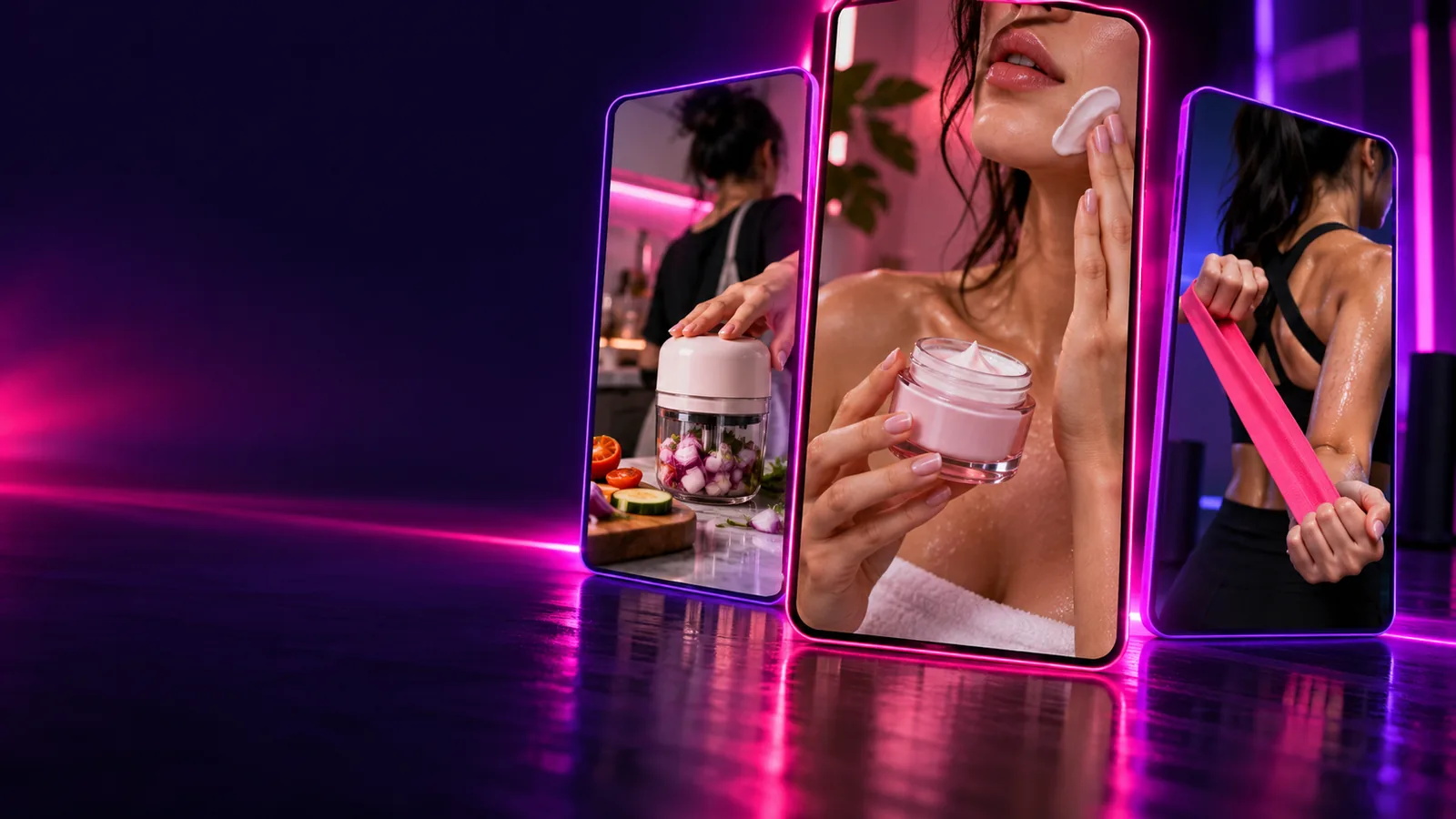
Creator-style product video concept shown in the Create Ugc hero image

The AI ad entry point versus general UGC

A general UGC brief might document an experience. An ad brief must also give a viewer a reason to act. These starting points call for different creative checks.

Small product team

You have a product photo and a benefit, but no creator footage. Start with an AI ad concept that shows how the product fits into an ordinary moment.

A short hook, demonstration idea and closing line to review together.

create ugc examples free
Solo creator

You want to test several opening lines before recording a real testimonial. Use the generated script as a rehearsal draft, not as evidence of personal use.

A clearer speaking outline and a shortlist of scenes worth filming.

how to create ai ugc content

YouTube marketer

You need a creator-style opening for a longer product video. Develop the ad hook first, then expand it with footage and detail suited to the channel.

An opening concept that can lead into a fuller, independently checked video.

free create ugc youtube

The three things this ad workflow does

The difference is focus: turn a product brief into a hook, a demonstrable moment and a closing action. Each part should support the same claim.

  1. 1

    Find the hook

    Name the audience and the situation they recognise. Ask for an opening line that sounds conversational rather than like a list of product features.

  2. 2

    Show the benefit

    Describe an action the viewer can see, such as applying a serum or setting up a lamp. Keep the narration tied to what the proposed scene can actually show.

  3. 3

    Close with purpose

    Give the viewer one sensible next step. Match the closing line to the product and platform without adding an unsupported promise.

How to start with a channel-ready concept

Choose the format before refining the wording. The same UGC idea needs a different pace when it opens a feed video, introduces a product or supports a longer explanation.

Open on the problem

Write a brief for one everyday frustration, then move quickly to the product in use. Ask for a spoken hook, visible action and simple closing line.

Put the useful visual in the opening moments.
Keep on-screen text readable without sound.
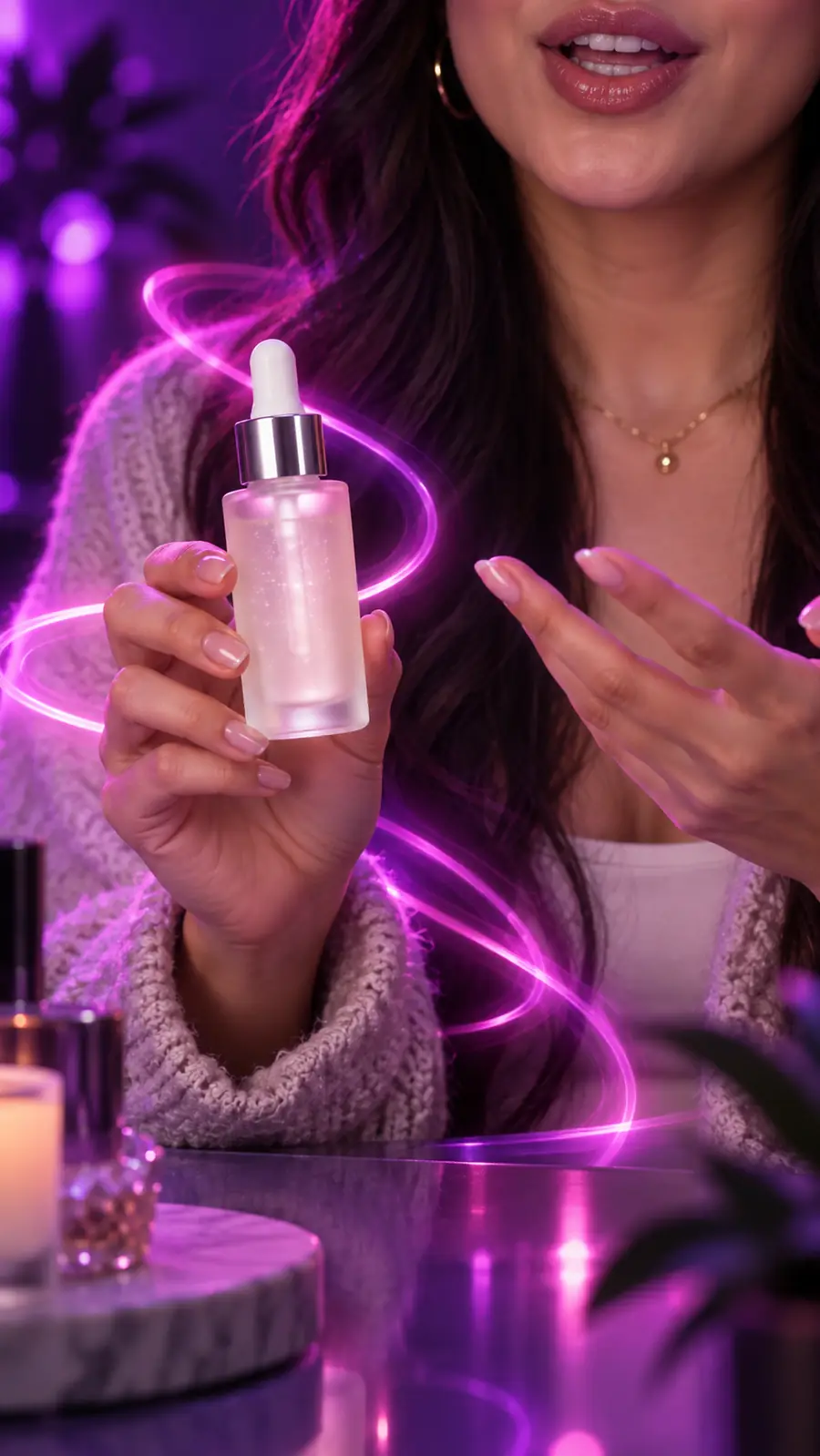
Creator-style serum review video example

Let the action carry the claim

Specify what a viewer should see the creator do. A concrete demonstration gives the script a stronger basis than broad praise or an invented personal story.

Name the product action.
Check that the narration matches the visible result.
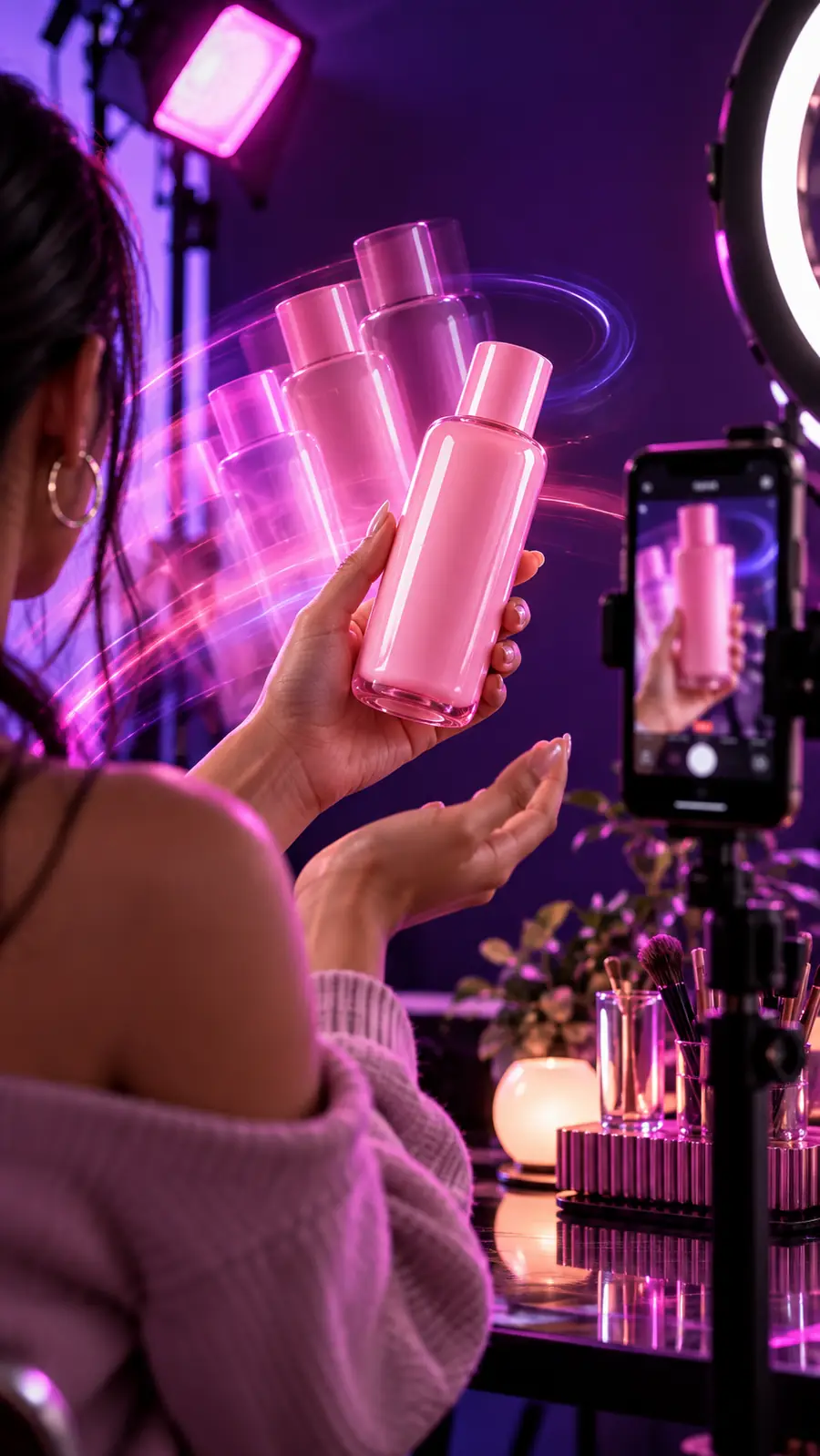
Creator-style product video featuring a pink bottle

Use the ad as an opening

Draft a concise creator-style introduction, then leave room for a fuller demonstration and verified details. Do not stretch a short ad script into a review it cannot substantiate.

Separate the hook from the main explanation.
Add real footage or firsthand observations where needed.
Creator-style phone review video example

Related UGC workflows

If the ad concept is only one part of your project, use these routes to explore a broader brief, an access question or a different starting point.

AI ad brief versus a general UGC brief

Neither brief guarantees a finished, publishable video. The useful distinction is what each asks you to decide before production.

AI ad brief
General UGC brief

Primary aim

AI ad brief

Communicate one product benefit and prompt a next step.

General UGC brief

Share an experience, observation or product-related story.

Opening

AI ad brief

A hook tied to a specific viewer need.

General UGC brief

Context that makes the creator's perspective clear.

Visual plan

AI ad brief

A product action that supports the ad's claim.

General UGC brief

Footage appropriate to the experience being described.

Script focus

AI ad brief

Hook, demonstration and closing action.

General UGC brief

Perspective, detail and a natural conclusion.

Review priority

AI ad brief

Check claims, disclosures and the fit between visuals and words.

General UGC brief

Check accuracy, consent and whether the account feels authentic.

Best first input

AI ad brief

Product, audience, benefit and intended placement.

General UGC brief

Topic, creator perspective and available firsthand material.

Limits to plan around

An AI draft can help you explore UGC ad directions, but it cannot supply evidence or permissions that your brief does not contain.

It cannot verify product claims

A persuasive line is not proof that a product performs as described.

Workaround

Compare every claim with evidence you can substantiate, and remove language you cannot support.

It cannot create genuine firsthand experience

A generated presenter or script should not be passed off as an independent customer's testimonial.

Workaround

Use truthful framing and obtain real customer permission when you want to feature an actual experience.

It cannot guarantee platform approval

AI ads may still require disclosures, rights checks and compliance with the rules of the channel where they appear.

Workaround

Review the final creative against current platform requirements before publishing.

It cannot fix a vague brief

Without a specific audience and demonstrable benefit, the result may sound generic.

Workaround

Name the viewer, use case and visible product action before revising the script.

Turn the brief into a testable ad concept

Start with one clear product moment

Describe who the ad is for and what the viewer should see. Draft the creator-style hook, demonstration and closing line, then check the result for accuracy before using it.

Draft an ad
  • Start with a specific audience
  • Show a benefit you can support
  • Review the final wording

FAQ about AI UGC ads

Start with the product, intended audience, one supportable benefit and the placement you have in mind. Add a visible action or scene so the draft has something concrete to show rather than relying on generic praise.

An ad brief is built around a specific message and a next step for the viewer. An ordinary UGC video may instead centre on a person's experience or observations without asking for an action.

No. A generated script or presenter does not establish that a customer used the product or had the experience described. If you need a testimonial, obtain a genuine account and permission to use it.

Check product claims, visual accuracy, rights to any assets and the rules of the intended platform. Review whether viewers need a disclosure and whether the final video could mislead them about who is speaking.

Create a video
Create a video