CreateUgc

Trust guide

Is create ugc safe reddit? Check before you publish

If you searched is create ugc safe reddit, the useful answer is a checklist, not a blanket yes. Before you create UGC, check what you upload, who appears in the ad, what it claims and where the finished video will go.

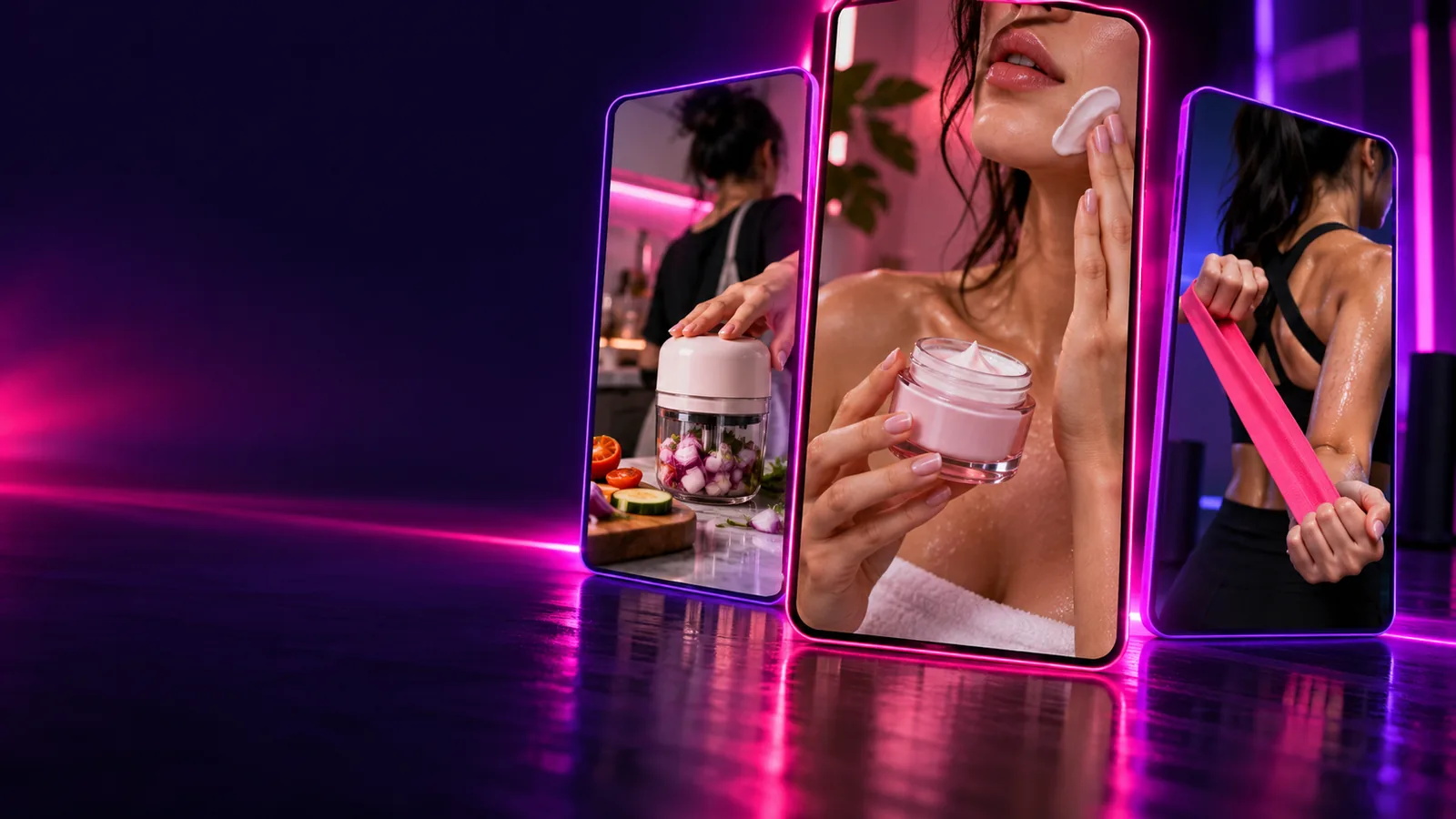
Creator-style video concepts shown in the Create Ugc interface

What it actually is

Create Ugc helps you plan creator-style content. It cannot verify permissions, validate a product claim or certify another service's security.

A presenter is not a customer

A generated reaction may look like a personal endorsement, but it is not evidence that someone used your product. Do not present a fictional experience as an independent review.

Workaround

Write a demonstrative script, or use a real customer's words only with their informed permission.
An upload is not automatically confidential

Creating UGC with an external tool may involve sending prompts, images or video to that tool. This page cannot establish its retention practices or who can access submissions.

Workaround

Read its current privacy terms and test with non-sensitive sample assets first.

A polished clip is not claim verification

AI can make an unsupported result sound persuasive. Create UGC scripts from documented product facts rather than invented outcomes.

Workaround

Check every spoken and on-screen claim against evidence you can substantiate.

Boundary conditions

Run these checks before you create UGC with a product photo, spokesperson or customer story.

You must have

Without every one of these the route does not run.

  • Use product images, logos and footage you own or have permission to use.

    Permission for one campaign may not cover every channel.

  • Obtain explicit consent before using an identifiable person's face, voice or testimonial.

    Do not treat a public social post as consent for an ad.

  • Confirm the receiving tool's upload, retention and deletion terms.

    Do this before sharing unreleased products or personal information.

  • Review the script for factual claims and the disclosure rules of your destination channel.

    A generated presenter can still create a misleading impression.

Nice to have

Skip any of these and the route still works — they only make it faster.

  • Prepare a fictional sample product for an initial test.

    This lets you inspect the workflow without exposing real customer material.

Related guides for a safer draft

These pages cover the workflow around creating UGC; they do not replace a privacy-policy review or legal advice.

Privacy without promises

Treat every upload as a disclosure decision.

Create Ugc cannot promise that material submitted to another tool stays private. Avoid putting customer records, unreleased campaign files or other sensitive information into a prompt until you understand that tool's current terms.

You can still create UGC concepts safely enough for an initial review by using fictional names, generic product details and assets cleared for testing. Replace them with approved materials only after you have checked consent, claims and the publishing context.

  • Review uploads
  • Confirm consent
  • Check claims

When NOT to use it

Pause the workflow when you cannot answer a basic question about rights, accuracy or the audience's likely interpretation.

  1. 1

    Stop before a sensitive upload

    Do not create UGC from private customer information, confidential launch assets or someone else's footage when you lack permission or have not checked the receiving tool's data practices.

  2. 2

    Reject invented endorsements

    Do not put a fake customer review, fabricated results or a real person's likeness into a creator-style ad. Rewrite the concept as a product demonstration with clearly supportable statements.

  3. 3

    Hold publication for review

    Do not post a draft that implies firsthand use when none occurred. Check claims, identify required advertising disclosures and ask a qualified reviewer about regulated products or high-stakes claims.

A safer creative distinction

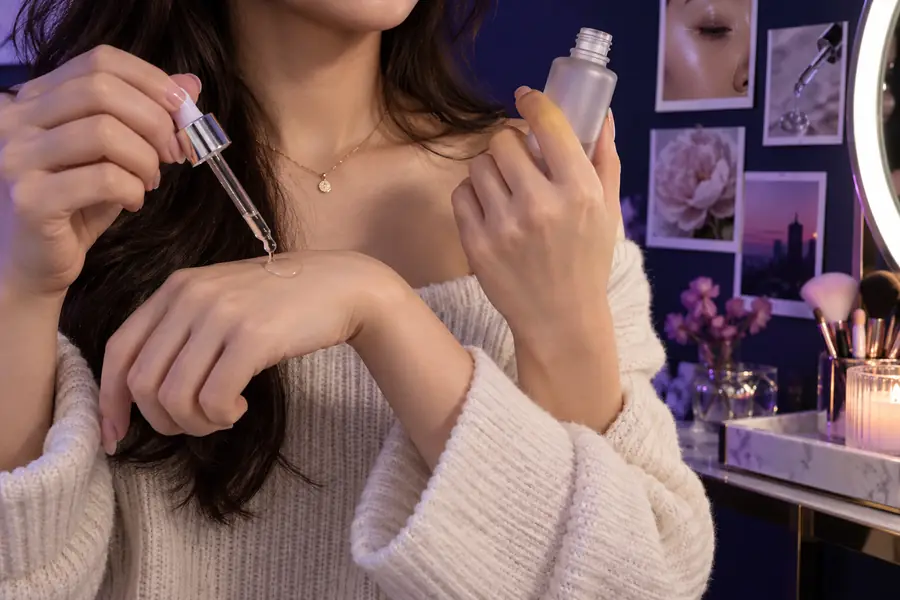
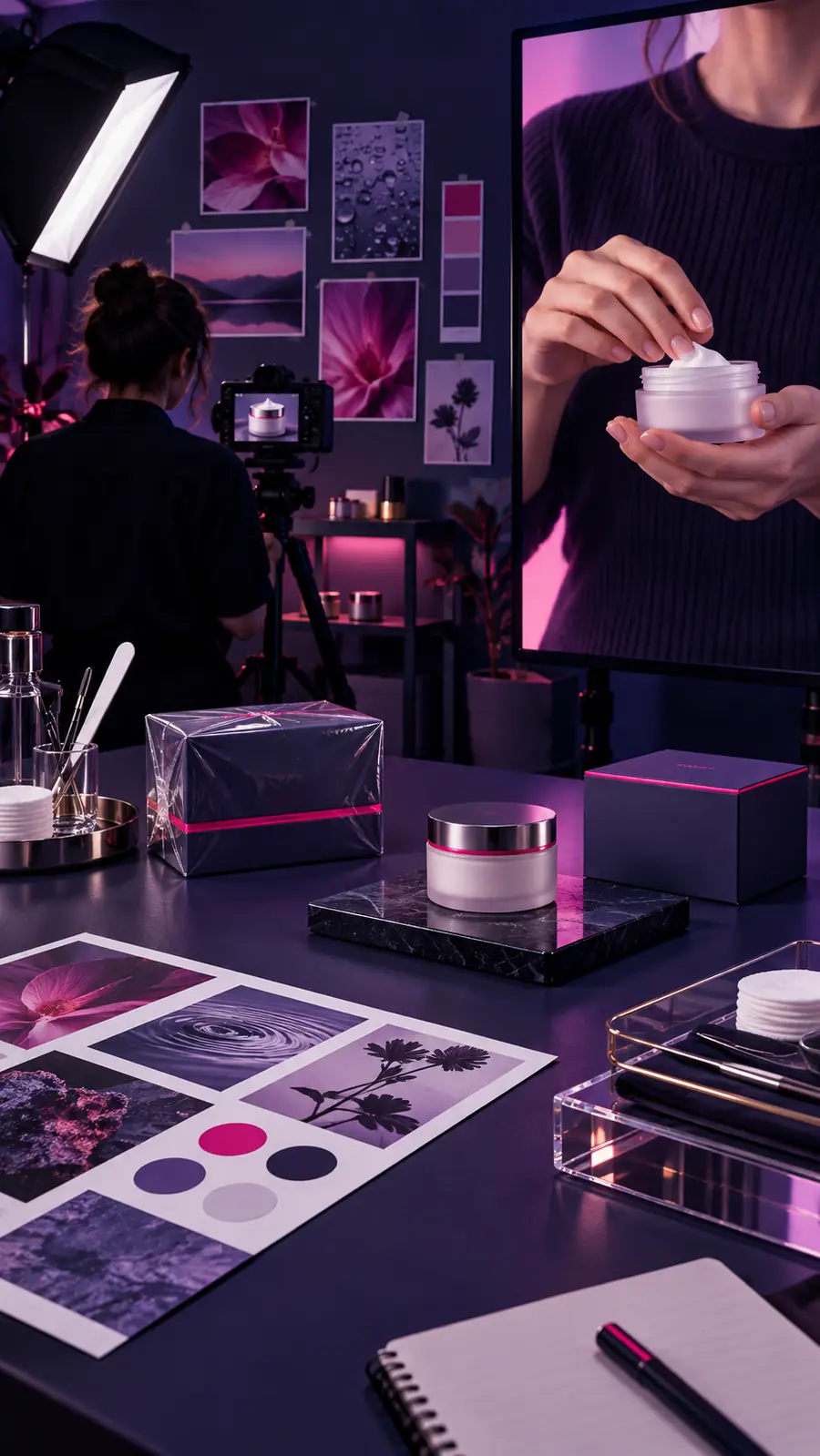
The images illustrate a review point, not a security test or proof of an actual customer's experience.

Illustrative creator-style serum review concept that could imply firsthand experience Review the implied claim
Illustrative safety review concept focused on consent and accurate product claims Check the context
Before publishing either style, check whether the presenter is fictional, whether the product claims are supported and whether viewers need an advertising or AI-content disclosure.

Start with a low-risk concept

Draft first; verify before publishing.

Use a sample product and approved assets to create UGC, then inspect the script, imagery and export before sharing it. A good first draft gives you something concrete to review, not permission to skip that review.

Try a draft
  • Use non-sensitive test material
  • Check consent and product claims
  • Review disclosures before posting

FAQ

A Reddit discussion can surface questions worth asking, but an anonymous comment cannot verify a tool's current security practices. Check the actual service's privacy terms, upload rules and support documentation before sharing sensitive material.

Only upload them if you have permission for this specific use and understand how the receiving tool handles the files. If either point is unclear, use fictional sample assets until you can confirm it.

Not if it presents an invented experience as a real customer's opinion. Keep demonstrations distinct from testimonials, verify every claim and check applicable advertising disclosure requirements.

Review rights to the images and voice, consent from identifiable people, factual claims and the impression the presenter creates. Then check the destination platform's current rules for ads and AI-generated content.

Create a video
Create a video