YouTube video planning
A practical way to free create ugc youtube videos
Start with a viewer question, a believable creator perspective, and footage that shows the product in use. Create Ugc helps you shape that idea into a video brief you can review before it reaches your channel.
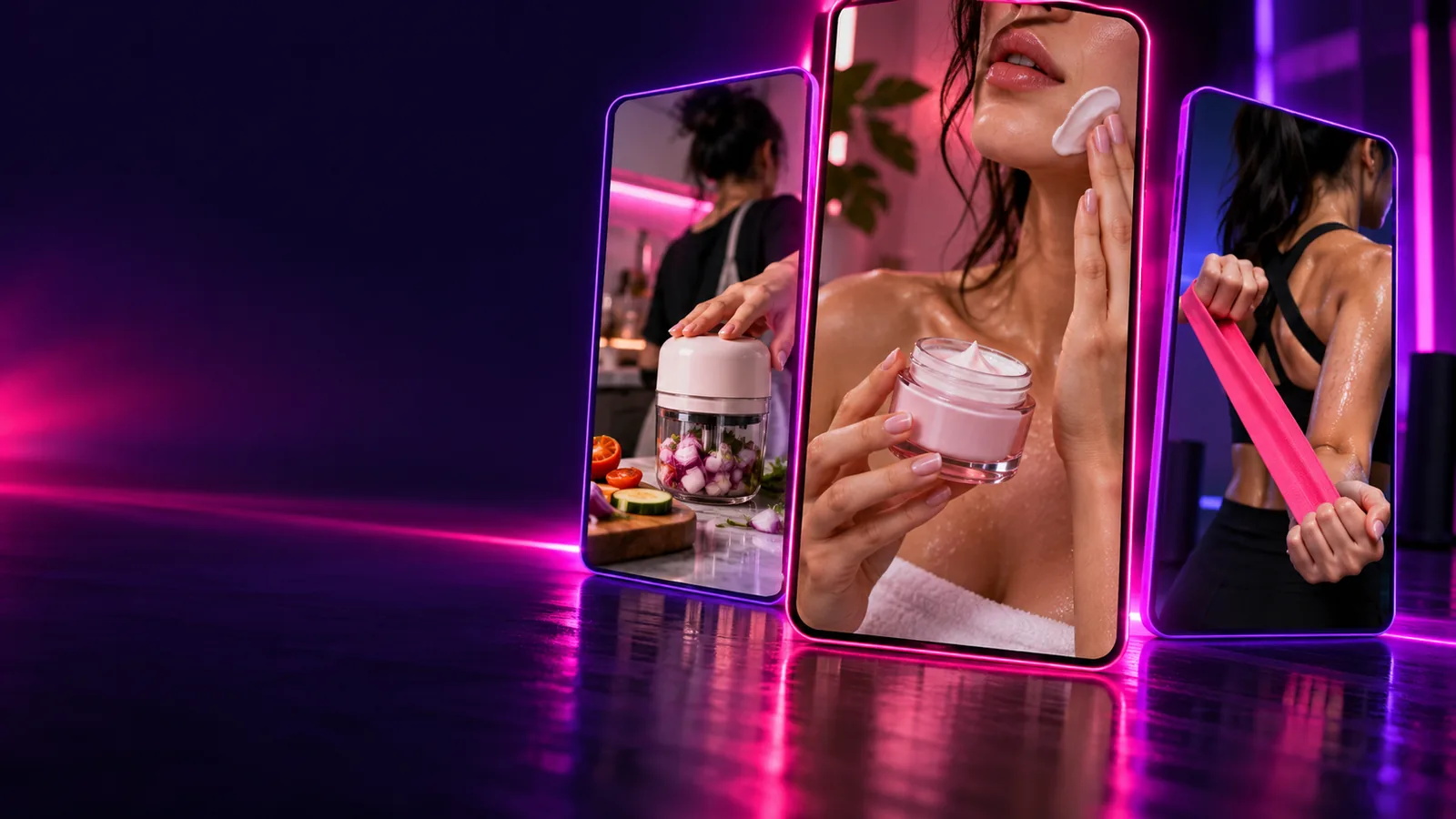
the audience's existing pipeline
A creator video usually starts well before editing: someone chooses a viewer problem, tests the product, records evidence, and cuts a story from what happened.
- Typical creator workflow
- AI-assisted planning with Create Ugc
Starting point
Typical creator workflow
A product, a viewer question, and firsthand observations.
AI-assisted planning with Create Ugc
A prompt naming the product, intended viewer, and question the video should answer.
Opening
Typical creator workflow
Record several introductions, then choose one that gets to the point.
AI-assisted planning with Create Ugc
Draft a few hook options, then keep only one that accurately matches the footage.
Demonstration
Typical creator workflow
Capture setup, use, close-ups, and any results worth showing.
AI-assisted planning with Create Ugc
Turn those moments into a shot list; record or supply real evidence separately.
Voice
Typical creator workflow
Explain what the creator noticed in their own words.
AI-assisted planning with Create Ugc
Use a conversational draft as a guide, not a substitute for a genuine opinion.
Editing
Typical creator workflow
Arrange footage, remove repetition, and check that claims match the images.
AI-assisted planning with Create Ugc
Use the brief to order scenes and identify missing shots before the final edit.
Publishing
Typical creator workflow
Check the title, thumbnail, disclosures, audio, and platform settings.
AI-assisted planning with Create Ugc
Keep those checks in the human review; a generated draft cannot publish responsibly for you.
where we slot in
Use the tool between the rough idea and the shoot. It can organize a hook, scene order, and spoken points, while you remain responsible for footage, accuracy, and the final YouTube edit.
before/after
The useful change is not from an empty prompt to a finished upload. It is from an unstructured idea to a shootable plan that still leaves room for what you actually observe.
-
Hands-on
A product demonstration
Before: a feature list with no reason to watch. After: a viewer question, a visible test, and a conclusion limited to what the test shows.
Draft a demo brief- Name the viewer's specific question and the product feature you can demonstrate.
- Plan an opening that states the question without promising a result.
- Film the test, then revise the spoken conclusion to match what viewers can see.
-
First use
A first-impressions video
Before: a scripted endorsement that assumes the outcome. After: a sequence for unboxing, setup, initial reactions, and unanswered questions.
Plan first impressions- Prompt for a first-use structure rather than a positive verdict.
- Set aside space for unexpected friction during setup.
- Keep comparisons and performance claims out unless you can substantiate them.
-
Short format
A short video cut
Before: a long explanation squeezed into a short runtime. After: one clear moment that can stand alone, with a longer review reserved for extra context.
Outline a short video- Choose one question the short can answer on camera.
- Put the demonstration before background details that can wait.
- Watch the cut without sound, then add captions that clarify rather than exaggerate.
deliverable spec
Leave with a brief you can actually film
Ask for a hook, a scene-by-scene outline, suggested spoken lines, and a list of shots to capture. Treat each as a draft: replace generic reactions with your own observations, remove unsupported claims, and confirm that the final footage fits your intended YouTube format.
Create a video brief- One viewer question and a clear opening
- A shot list tied to observable moments
- A final check for accuracy, disclosures, and audio
scenario FAQ
Yes, you can use a free starting workflow to plan the hook, shots, and spoken outline. Check what the tool actually produces, then add your own footage or verified product details before publishing.
Do not assume it is upload-ready. Review the picture and sound, confirm every product claim, check any required disclosures, and make sure you have permission to use all included material.
Use a Short when one visible test can answer the viewer's main question. Choose a longer review if setup, repeated use, comparisons, or limitations need more context than a short clip can provide.
Prompt with the question you genuinely had before using the product, then record what happened. Cut phrases you would not say aloud and keep any surprising result or limitation that helps viewers judge for themselves.