Write the brief
Name the product, the viewer, and the situation. For a skincare bottle, the situation might be a morning routine; the observable detail might be how the serum spreads. Leave out unverified promises about results.
Creator-style workflow
To create UGC free, begin with one believable product moment rather than a polished commercial. Draft what a person would say, show the product in use, and review the result before sharing it.
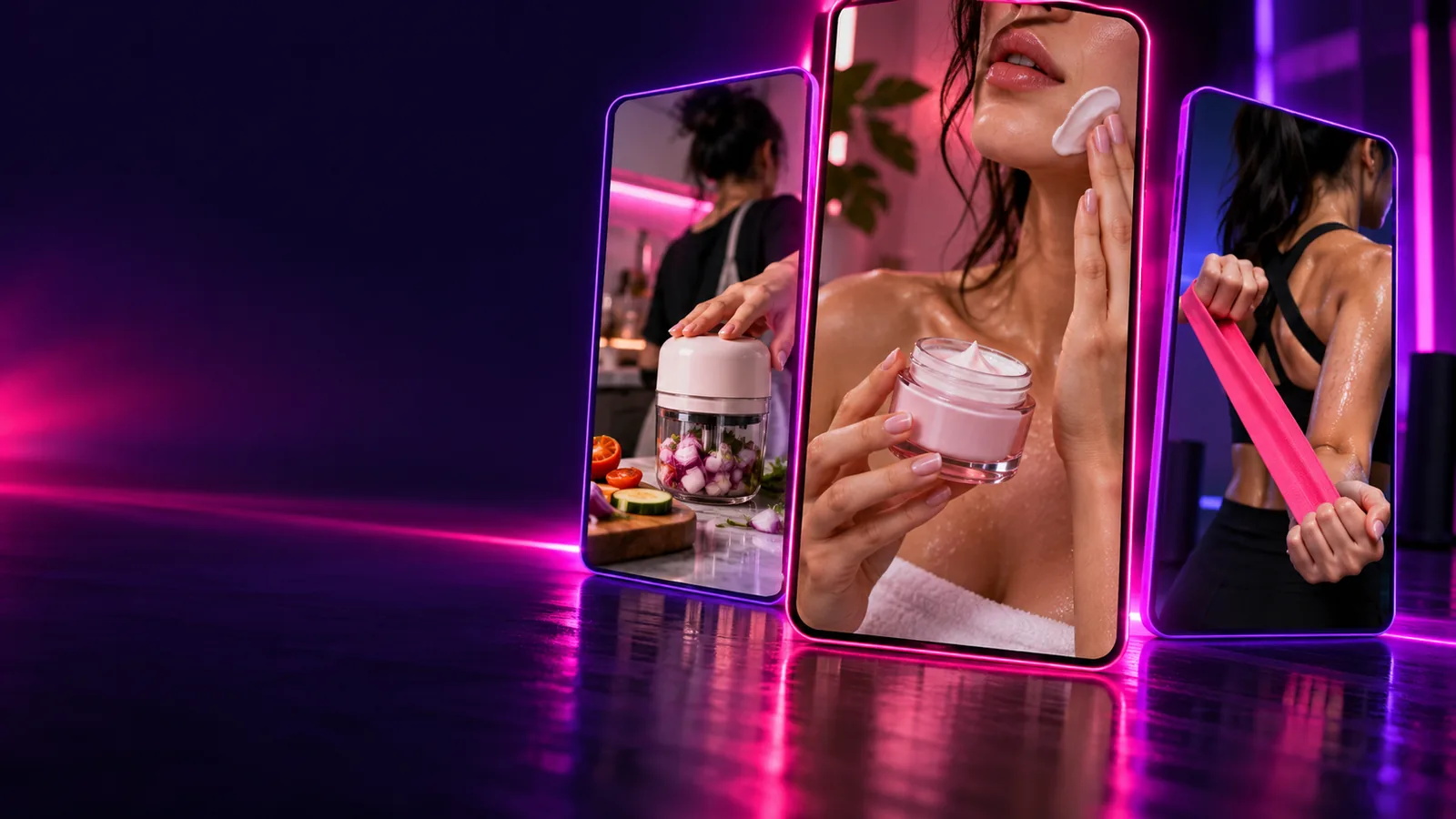
Choose the kind of UGC you need before writing a script. These related guides cover different starting points; the checklist below applies whether you film yourself or try an AI-assisted draft.
A free UGC attempt still needs accurate inputs. Preparing them first saves revisions and makes it easier to spot claims that do not belong in the final video.
Without every one of these the route does not run.
One product and the specific feature you want to demonstrate
Pick a feature you can actually show or describe accurately.
A short, factual description of how the product is used
Avoid results or benefits you cannot substantiate.
A viewer and a setting for the scene
For example, a commuter unpacking a small travel bottle.
A simple opening, demonstration, and closing line
Write for speech, not for a product page.
Skip any of these and the route still works — they only make it faster.
Your own product footage or images
Useful when you need the video to match a real item closely.
Permission to use any person’s likeness, voice, or supplied footage
Required if those materials appear in your chosen approach.
Here is a practical way to make one UGC draft without turning a quick test into a full campaign. Use a single product moment, then revise only what the first review reveals.
Name the product, the viewer, and the situation. For a skincare bottle, the situation might be a morning routine; the observable detail might be how the serum spreads. Leave out unverified promises about results.
Open with a specific reason for trying the item, show its use, and close with an honest observation. Read the lines aloud. If they sound like packaging copy, replace them with words a person might naturally say.
Film the sequence with your own materials or enter the brief in the prompt box to try an AI-assisted version. Keep the product visible when the script discusses it; do not assume a generated image accurately represents the real item.
Watch without sound for visual errors, then listen for awkward wording. Confirm the product, claims, permissions, and any required disclosure. If an output condition matters, check it before treating this draft as ready to publish.
There is no single free UGC method that suits every product. Compare an AI-assisted draft with filming your own clip based on what the final video must prove.
Starting material
AI-assisted draft
A written product brief and script
Self-filmed clip
A product, recording device, and spoken outline
Real product appearance
AI-assisted draft
Must be checked against the actual item
Self-filmed clip
Captured directly when you film the item
Creator presence
AI-assisted draft
May be simulated, depending on the tool
Self-filmed clip
The person you record appears on camera
Script changes
AI-assisted draft
Revise the prompt and generate another draft
Self-filmed clip
Revise the lines and record another take
Authenticity check
AI-assisted draft
Review speech, gestures, product details, and implied experience
Self-filmed clip
Review spoken claims, presentation, and actual experience
Publication conditions
AI-assisted draft
Check the tool’s current export and usage terms
Self-filmed clip
Check rights for footage, music, people, and location
Generic praise, invented personal experiences, and product visuals that do not match the real item can undermine a UGC video. Start with a narrow, observable moment instead. Create Ugc can help you begin a draft, but you remain responsible for checking the output, its permitted use, and any claims before publishing.
Draft a UGC videoYou can start with a written brief and try an AI-assisted draft rather than recording your face. Review the result carefully: a generated presenter should not be presented as a real customer giving a genuine testimonial.
Start with a product, a specific use case, and a few natural spoken lines. Your own footage is helpful when the exact appearance or operation of the product matters.
Not necessarily. Check visual accuracy, factual claims, permissions, disclosure requirements, and the current export conditions of any tool you use before publishing.
Replace broad praise with a concrete action or observation, such as opening the package or showing how the product fits into a routine. Read the script aloud and remove phrases you would not say in conversation.