
CreateUgc

Practical tutorial

Learn how to create ai ugc content from a simple brief

If you are wondering how to create ai ugc content, start with a real product benefit and a specific viewer problem. This guide takes you from brief to script to a review-ready creator-style draft.

Review the result before sharing
Creator-style video examples for planning a UGC draft

prerequisites

You do not need a long production document. Gather enough truthful detail to keep the draft specific and the claims supportable.

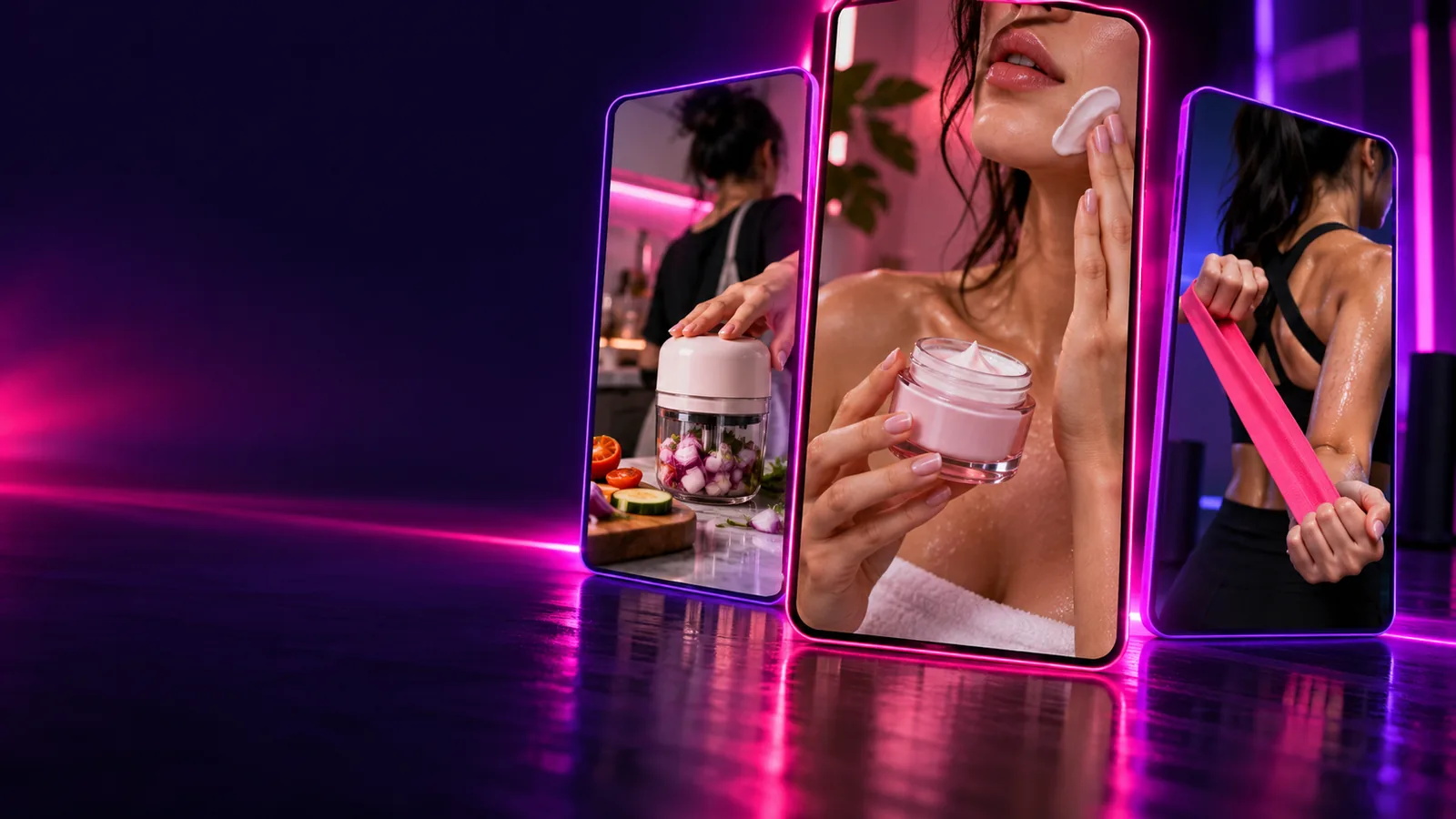
Skincare product imagery illustrating a product-specific brief

Know the product you are depicting

Write down what the product does, what it looks like, and which details a viewer should notice. If you have a product photo or approved description, keep it nearby while you create UGC. Avoid asking a generator to invent features it cannot verify.

BRIEF INPUT

Use observable details, such as packaging, texture, or a demonstrated action.
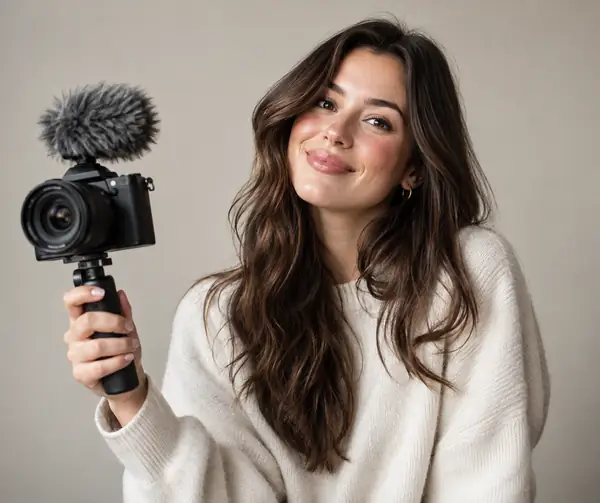
Creator portrait illustrating a defined on-camera speaker

Choose one viewer and one situation

A video for a first-time shopper should answer a different question from one for an existing customer. Describe who is speaking, where they are, and the moment that makes the product relevant. A narrow scenario gives an AI draft more direction than a request to make something viral.

SCENE RULE

Keep the setting plausible for the person and product.

Bedside lamp example illustrating a visible product benefit

Decide what counts as a truthful claim

Separate what you can show from what you merely hope the audience will believe. A lamp can visibly light a desk; a claim that it improves sleep requires evidence. This distinction matters when you create UGC with a synthetic presenter who has not personally used the item.

CLAIM CHECK

Demonstration is not proof of an unrelated outcome.

numbered steps

Treat the first output as a draft, not a finished endorsement.

  1. 1

    Write a compact brief

    Name the product, intended viewer, main benefit, setting, desired length, and any words or claims to avoid. To create UGC that feels grounded, add a detail someone could actually film, such as turning on a lamp beside a book.

  2. 2

    Draft a spoken script

    Ask for an opening that describes a familiar problem, a short product demonstration, and a closing invitation. Read the lines aloud. Replace stiff phrases and remove personal-experience claims that no real speaker can substantiate.

  3. 3

    Generate a visual draft

    Pair the approved script with a suitable creator-style scene and accurate product references. Check that the spoken words, visible product, captions, and ending all describe the same offer; regenerate any segment that contradicts the brief.

  4. 4

    Review and revise

    Watch with sound, then without it. Check legibility, pacing, pronunciation, product accuracy, and whether a viewer might mistake a synthetic performance for an unsolicited customer review. Disclose synthetic elements where appropriate and follow the destination platform’s rules.

What to have ready

You must have

Without every one of these the route does not run.

  • A product name and accurate description

    Use approved wording for features and materials.

  • One intended audience and one use situation

    A specific viewer makes script choices easier.

  • A benefit you can demonstrate or substantiate

    Do not turn a desired outcome into a factual claim.

Nice to have

Skip any of these and the route still works — they only make it faster.

  • A product image or visual reference

    Useful for checking packaging and appearance.

  • A preferred voice, setting, and closing line

    These help shape the draft but can be revised later.

Explore related workflows

Once the first script works, these guides help you adapt the same brief without losing its core message.

common errors and fixes

Most weak drafts are easier to repair at the brief or script stage than after the visuals are finished.

An AI presenter cannot verify personal experience

A generated speaker saying “I used this every day” can imply a real customer testimonial that does not exist.

Workaround

Rewrite the line as a product observation or use a genuine, authorized testimonial with accurate attribution.

A prompt cannot establish product facts

A polished draft may confidently add ingredients, performance claims, or accessories that were never supplied.

Workaround

Compare every concrete claim and visible detail with your approved product information before you create UGC for publication.

A fluent script may still sound unnatural

Too many benefits in one short video produce rushed speech and an obvious sales pitch.

Workaround

Keep one main idea, shorten the opening, and read the script aloud before generating another pass.

A good-looking draft is not automatically platform-ready

Captions can cover a product, audio can be unclear, and synthetic-media or advertising disclosure requirements vary by destination.

Workaround

Preview the final frame and audio on the intended device, then check the current rules of the platform where you will post.

advanced tips

Keep your approved product facts fixed while tailoring the opening and pacing to where people will see the video.

Make the first moment understandable

For a fast-moving vertical feed, show the product or the viewer problem early. If you create UGC for silent viewing, the first caption should make sense without the voiceover. Change one opening line at a time so you can tell which revision actually helped.

Open with a recognizable situation.
Keep captions away from product details.
Check the draft on a phone screen.

Give the demonstration room to breathe

A product-page visitor may already know the item’s name. Focus on what it looks like in use, how it fits into a routine, and any practical detail a listing image misses. Avoid turning a synthetic presenter into an invented satisfied customer.

Match the visual to the actual product.
Show the benefit rather than repeating a slogan.
Keep factual claims consistent with the listing.

Add context before the closing line

A longer creator-style segment can explain the use situation and show a fuller demonstration. Preserve the same verified claims as the short version. When you create UGC variants, adapt the pacing rather than padding the script with unsupported opinions.

Establish who the product is for.
Leave time to see the product in action.
Review speech, captions, and disclosures together.

Turn your outline into a draft

Try your product brief

Start with a product, a viewer, and one supportable benefit. Create Ugc can help you explore a creator-style draft; your final check is what makes it accurate and appropriate to share.

Create UGC draft
  • Keep claims grounded in your source material
  • Revise the script before polishing the visuals
  • Review the result before publishing

tutorial FAQ

Start with three plain-language lines: the situation, what the product visibly does, and a modest closing invitation. Read them aloud and cut anything you would not naturally say. You can then use that outline as the basis for a creator-style draft.

Include the product, intended viewer, setting, demonstrable benefit, approximate length, and the claims the script must avoid. Describe the tone as you would describe a person speaking, rather than asking for a “viral” video. Specific visual details help you check whether the output matches the product.

It can imitate conversational delivery, but that does not make it an authentic customer account. Do not invent ownership, results, or first-hand experience for a synthetic speaker. If you use a real testimonial, obtain permission and keep its meaning intact.

Replace broad praise with one concrete use situation and a detail the viewer can observe. Ask for a shorter opening and fewer benefits, then revise the script in your own words. Keep the product facts unchanged while testing different hooks.

Verify product appearance, spoken and written claims, pronunciation, captions, and the final frame. Check whether your destination requires advertising or synthetic-media disclosure, and add it where appropriate. Watch the complete export on the device your audience is likely to use.

Create a video
Create a video